
Installation
VarLens is available for Windows, macOS, and Linux.
Download
Download the latest release for your platform from the GitHub Releases page.
| Platform | Format | File |
|---|---|---|
| Windows | Installer | Varlens-Setup-x.x.x.exe |
| Windows | Portable | Varlens-Portable-x.x.x.exe |
| macOS | DMG | Varlens-x.x.x-arm64.dmg |
| macOS | ZIP | Varlens-x.x.x-arm64.zip |
| Linux | AppImage | Varlens-x.x.x.AppImage |
| Linux | DEB | Varlens-x.x.x.deb |
First Launch
- Install or run the application for your platform
- On first launch, VarLens creates a default SQLite database in your user data directory
- You will see a disclaimer dialog — read and acknowledge it to proceed
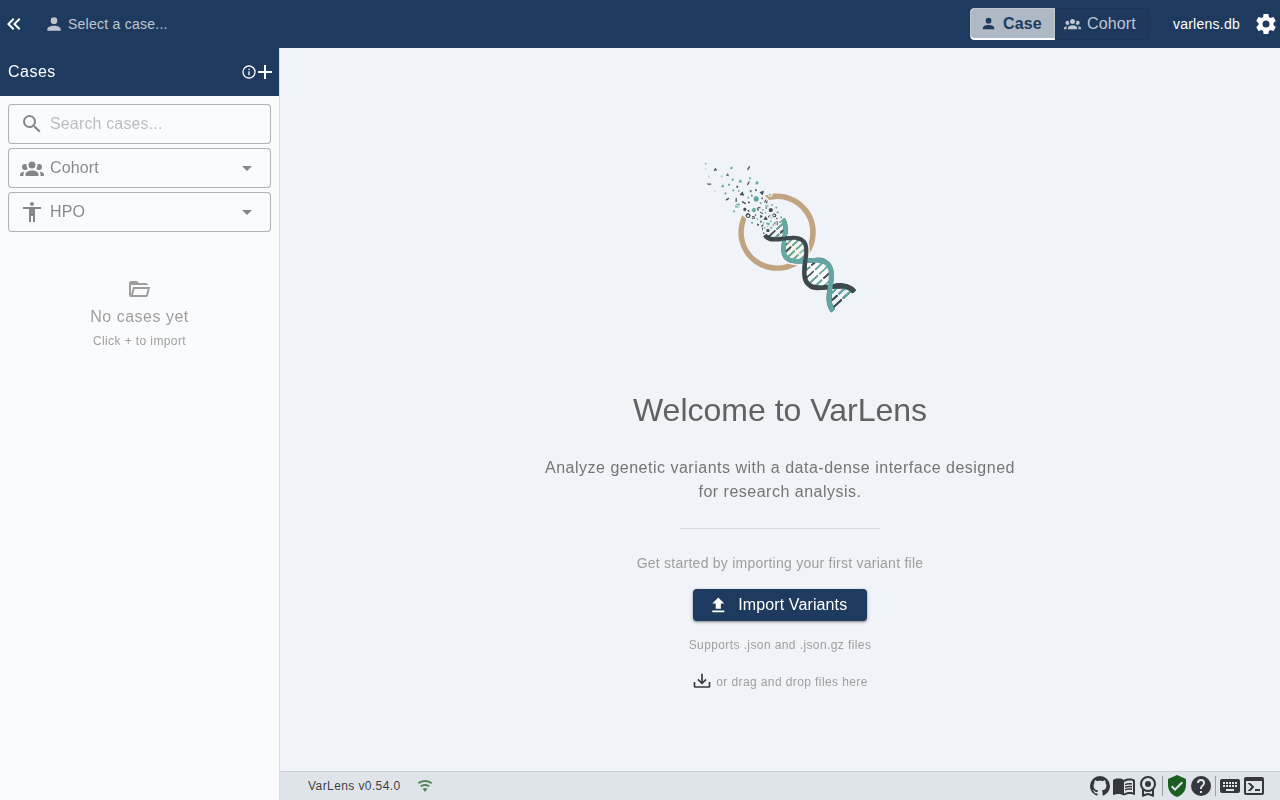
- The app opens with an empty state, ready to import data
System Requirements
- Windows: Windows 10 or later
- macOS: macOS 12 (Monterey) or later on Apple Silicon (M1 or newer). Intel Macs are not supported.
- Linux: Ubuntu 20.04 or later (or equivalent)
- RAM: 4 GB minimum, 8 GB recommended for large datasets
- Disk: 200 MB for the application, plus space for your variant databases
Updating
VarLens includes an auto-update mechanism. When a new version is available, you will be notified in the application. You can also manually download the latest release from GitHub.